Add Border to Image Online
Give a photo a frame — a coloured border, a clean white pad, or both — and make it stand out anywhere it is posted.
Border & Frame Maker
One image at a time. Processed locally in your browser.
Drop an image here
or click to browse · JPG, PNG, WEBP, BMP, GIFA border does two jobs: it separates a photo from whatever sits behind it, and it makes the photo feel finished. A thin white border is the classic gallery look; a bold colour border turns a photo into a graphic; white padding around the photo — the “zoom-out” style — is how square feeds display wide photos without cropping them.
Set the border width and colour, then add white padding if you want the photo to sit smaller inside its frame. The preview updates live, so you can judge the balance before downloading. Borders do add pixels around your photo, which is exactly what you want for framing — the original photo inside stays untouched.
For social feeds, pair a white pad with the social media resizer to hit exact platform sizes without cropping.
How to use it
Upload
Drop your photo. A default white border appears in the preview.
Set the frame
Choose border width and colour, and add white padding for the zoom-out look.
Download
Download the framed photo as JPG or PNG immediately.
Frequently asked questions
Does a border change my photo?
What is white padding for?
Which colour border should I pick?
Is my photo uploaded?
Before & after sample
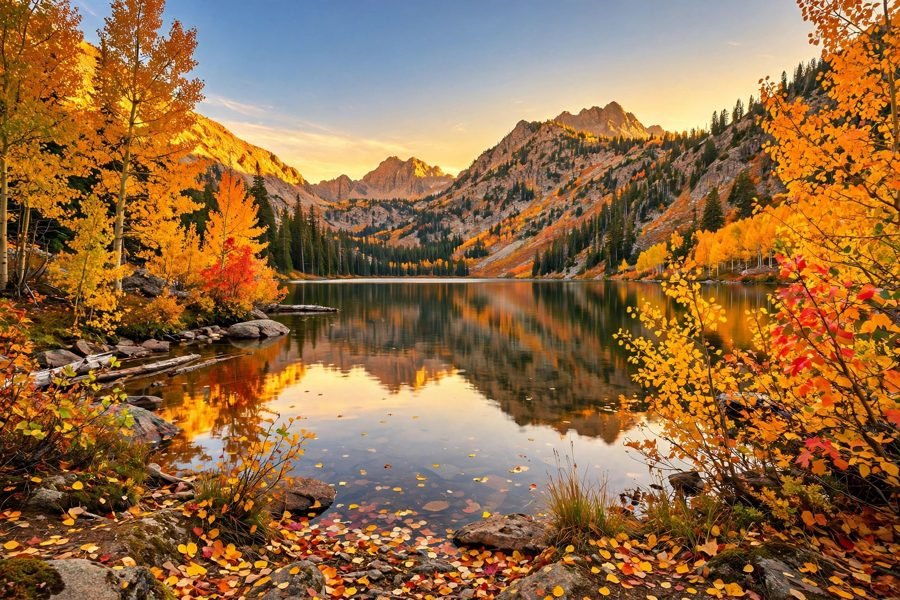
Sample photo — try the tool above with your own image for the real result.