Split Image Online
Cut one photo into a grid of tiles — for Instagram grids, posters, or puzzles — and download every tile.
Image Splitter
One image at a time. Processed locally in your browser.
Drop an image here
or click to browse · JPG, PNG, WEBP, BMP, GIFSplitting a photo into tiles is how Instagram grids are made: one big image, cut into 3×3 squares, posted in order so the profile page reassembles the full picture. The same trick works for posters (print the tiles, join them on a wall) and for puzzles.
Pick rows and columns up to 6×6, or hit the Instagram 3×3 preset, and the preview shows the cut lines live. Every tile downloads at full quality — no compression, no watermark, no re-upload between steps.
Posting order matters for Instagram: post the bottom-right tile first and the top-left tile last, so the grid assembles correctly on your profile.
How to use it
Upload
Drop your photo. Grid lines appear on the preview instantly.
Set the grid
Choose rows and columns, or tap Instagram 3×3 for the classic profile grid.
Download tiles
Download all tiles one by one and post or print them in order.
Frequently asked questions
How do Instagram grids work?
What size are the tiles?
Can I split into more than 3×3?
Is my photo uploaded?
Before & after sample
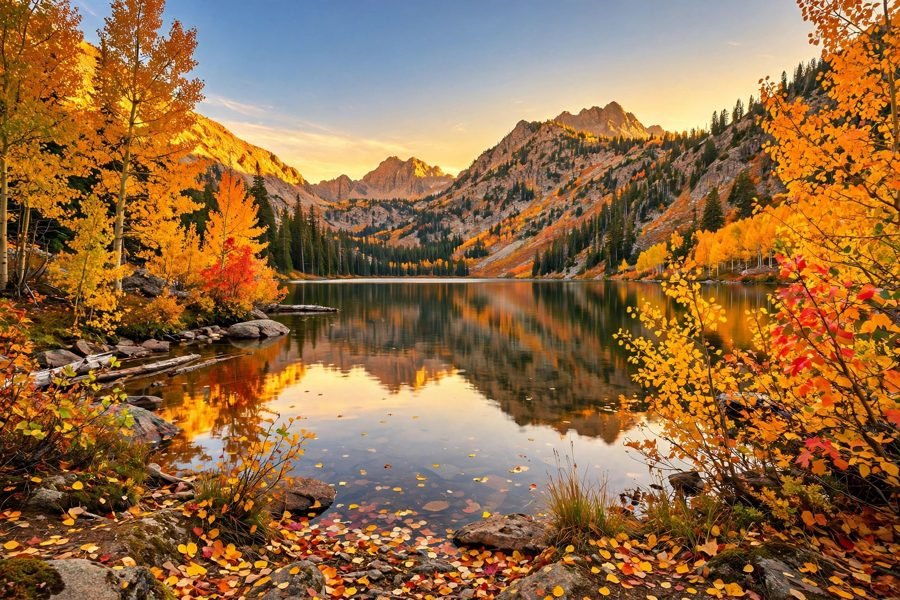
Sample photo — try the tool above with your own image for the real result.