Crop Image Online
Cut your photo to exactly the part you want — by pixel numbers or by a preset aspect ratio — and download it instantly.
Image Cropper
One image at a time. Processed locally in your browser.
Drop an image here
or click to browse · JPG, PNG, WEBP, BMP, GIFCropping is the fastest way to fix a photo: remove distracting edges, straighten the composition, or cut a picture to the exact shape a form or platform demands. Unlike resizing, cropping throws away pixels outside your selection — the part you keep stays at full quality.
This cropper works two ways. Type exact pixel numbers for the crop box, or pick an aspect ratio (square 1:1 for profile pictures, 16:9 for banners, 4:3 for classic prints) and the box reshapes itself. The preview shows your selection bright against a dimmed full photo, so you always see what will be kept and what will be cut.
Need a specific DPI too? Crop first, then set the DPI metadata with the free DPI converter — that combination is what most submission forms actually check.
How to use it
Upload
Drop your photo. A crop box covering the middle 80% appears automatically.
Set the crop
Type exact pixels, or pick an aspect ratio and let the box reshape itself.
Download
Choose JPG, PNG, or WEBP output and download the cropped file immediately.
Before & after sample
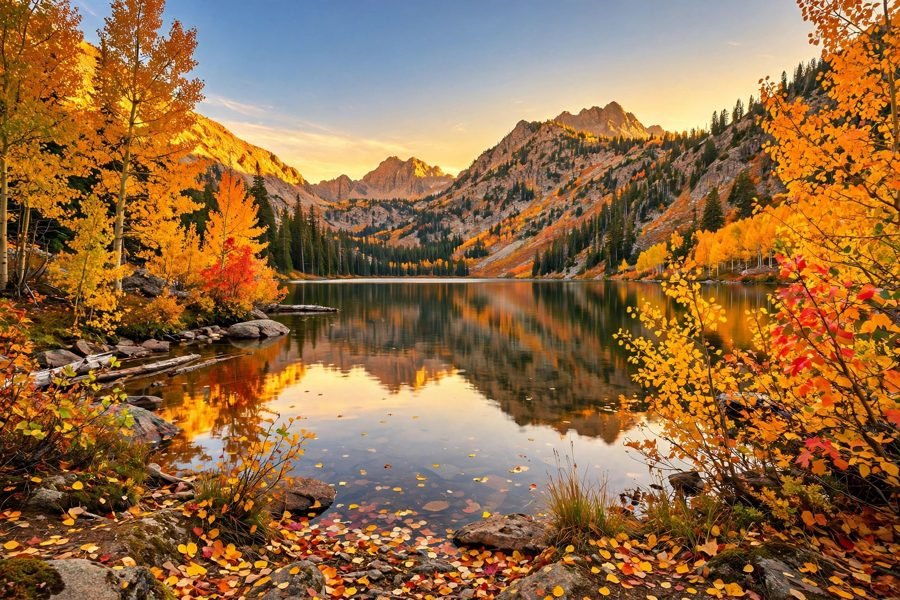
Sample photo — try the tool above with your own image for the real result.