Round Corners Online
Soften a photo's hard edges — a small change that makes images look modern on cards, posts and slides.
Corner Rounder
One image at a time. Processed locally in your browser.
Drop an image here
or click to browse · JPG, PNG, WEBP, BMP, GIFSharp corners look technical; rounded corners look designed. It is a small change with an outsized effect — the same photo feels softer, friendlier and more at home on a card, a slide, or a social post when its corners are rounded.
Drag the radius slider from a subtle 5% to a full 50% and watch the preview update live. Transparent PNG output keeps the corners see-through on any background, which is what you want for web pages and presentations; white corners suit documents and print.
At 50% on a square photo, rounded corners become a circle — for avatars, the dedicated circle cropper is the faster route.
How to use it
Upload
Drop your photo. Rounded corners appear in the preview instantly.
Set the radius
Drag the slider from subtle to fully round, and pick transparent or white corners.
Download
Download the rounded photo as PNG or JPG immediately.
Frequently asked questions
What radius looks best?
Transparent or white corners?
Does rounding change my photo's size?
Is my photo uploaded?
Before & after sample
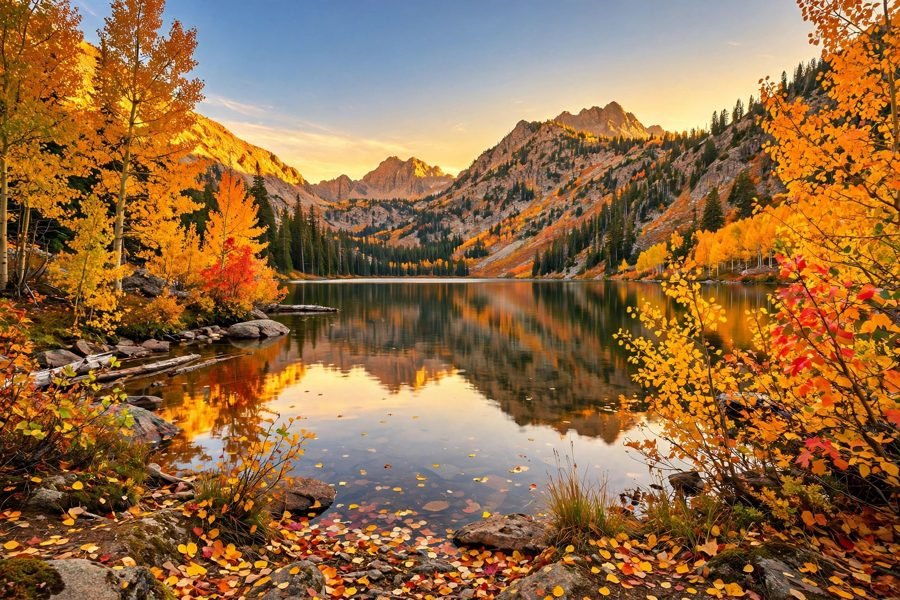
Sample photo — try the tool above with your own image for the real result.