Join Images Online
Combine several photos into one image — before/after pairs, comparisons, or a simple grid.
Photo Joiner
Several images at once. Processed locally in your browser.
Drop images here
or click to browse · JPG, PNG, WEBP, BMP, GIF · several at onceSome photos only make sense together: a before and after, a product from three angles, a trip told in four frames. Joining them into one image means one file to post, one file to print, and a comparison the viewer reads in a second.
Drop several photos, pick a layout — side by side for comparisons, stacked for stories, a 2-column grid for collections — set the gap and background colour, and download a single image. Every photo is scaled to fit its cell, so mixed sizes still look tidy.
For designed layouts with captions and backgrounds, the photo collage maker goes a step further with framed templates.
How to use it
Upload
Drop several photos at once. They appear joined in the preview.
Pick a layout
Side by side, stacked vertically, or a 2-column grid — plus gap and background colour.
Download
Download the single joined image as JPG or PNG immediately.
Frequently asked questions
How many photos can I join?
Do mixed photo sizes work?
Is this the same as the collage maker?
Are my photos uploaded?
Before & after sample
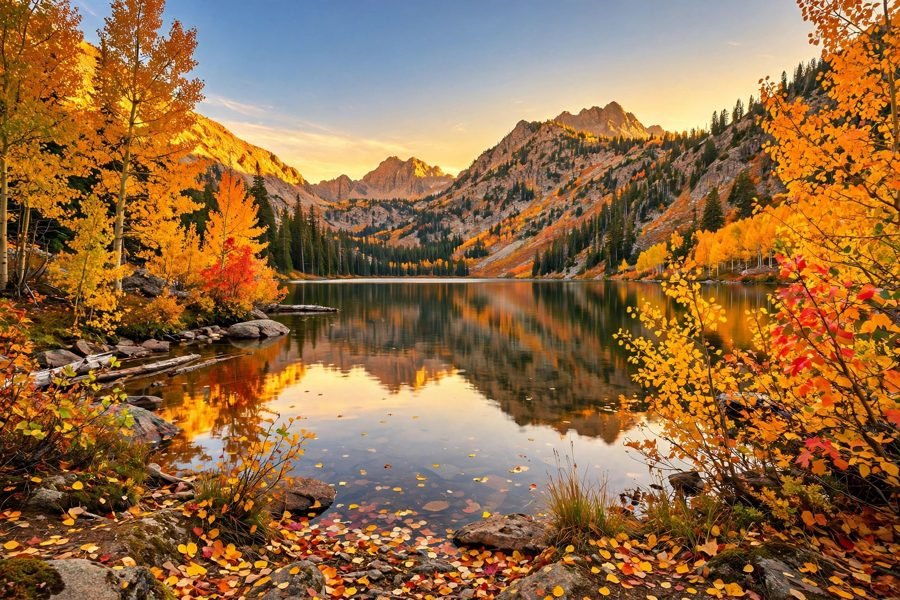
Sample photo — try the tool above with your own image for the real result.