Convert Image to Black and White Online
Strip the colour, keep the feeling — four black-and-white looks, from clean grayscale to dramatic high contrast.
Black & White Converter
One image at a time. Processed locally in your browser.
Drop an image here
or click to browse · JPG, PNG, WEBP, BMP, GIFBlack and white is not the absence of a photo — it is a different photo. Without colour, the eye reads light, shape and texture instead, which is why portraits, street scenes and architecture often look stronger in monochrome. The trick is picking the right monochrome: clean grayscale for honesty, high contrast for drama, a vintage wash for nostalgia.
Four modes cover the range. Standard grayscale is the faithful conversion. Film vintage adds a warm, slightly faded tone. High contrast pushes blacks black and whites white for a punchy poster look. Keep reds leaves red subjects in colour while everything else turns grey — the selective-colour effect that makes a single rose or sign jump off the frame.
For full colour control instead, use the photo filters — brightness, contrast and saturation sliders plus presets.
How to use it
Upload
Drop your photo. It appears in grayscale in the preview.
Pick a mode
Standard, film vintage, high contrast, or keep reds in colour.
Download
Download the black-and-white photo as JPG or PNG immediately.
Frequently asked questions
Which mode should I choose?
Does black and white reduce file size?
Can I adjust the strength?
Is my photo uploaded?
Before & after sample
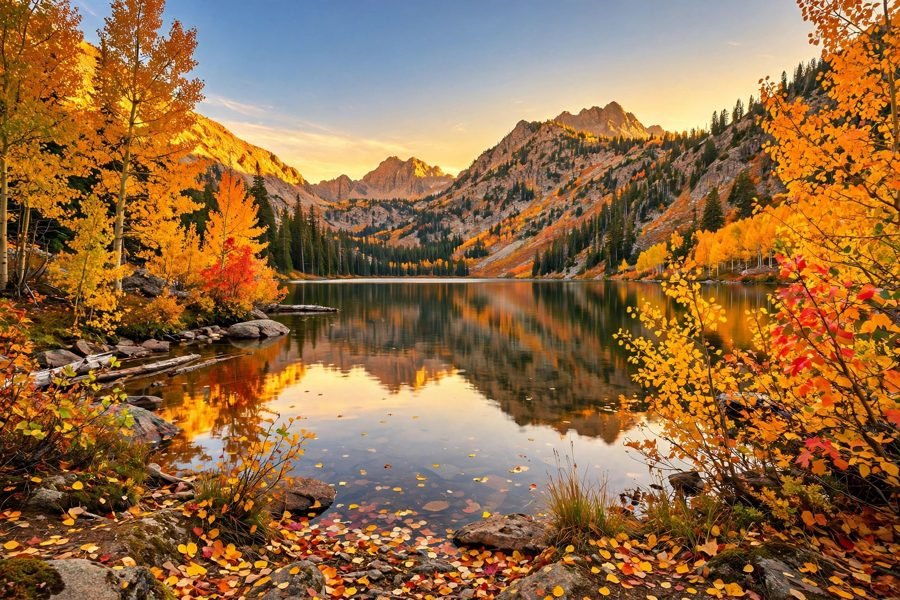
Sample photo — try the tool above with your own image for the real result.