What Is 150 DPI in Pixels?
There is no single answer to what 150 DPI means in pixels, because DPI is not a pixel count. DPI only tells a printer how many pixels to squeeze into one inch of paper. The pixel count depends on the size you want to print, and the formula is simple: pixels = inches × DPI. So a 4-inch-wide print at 150 DPI needs 600 pixels across, while a 10-inch-wide print at the same DPI needs 1,500.
November 18, 2026
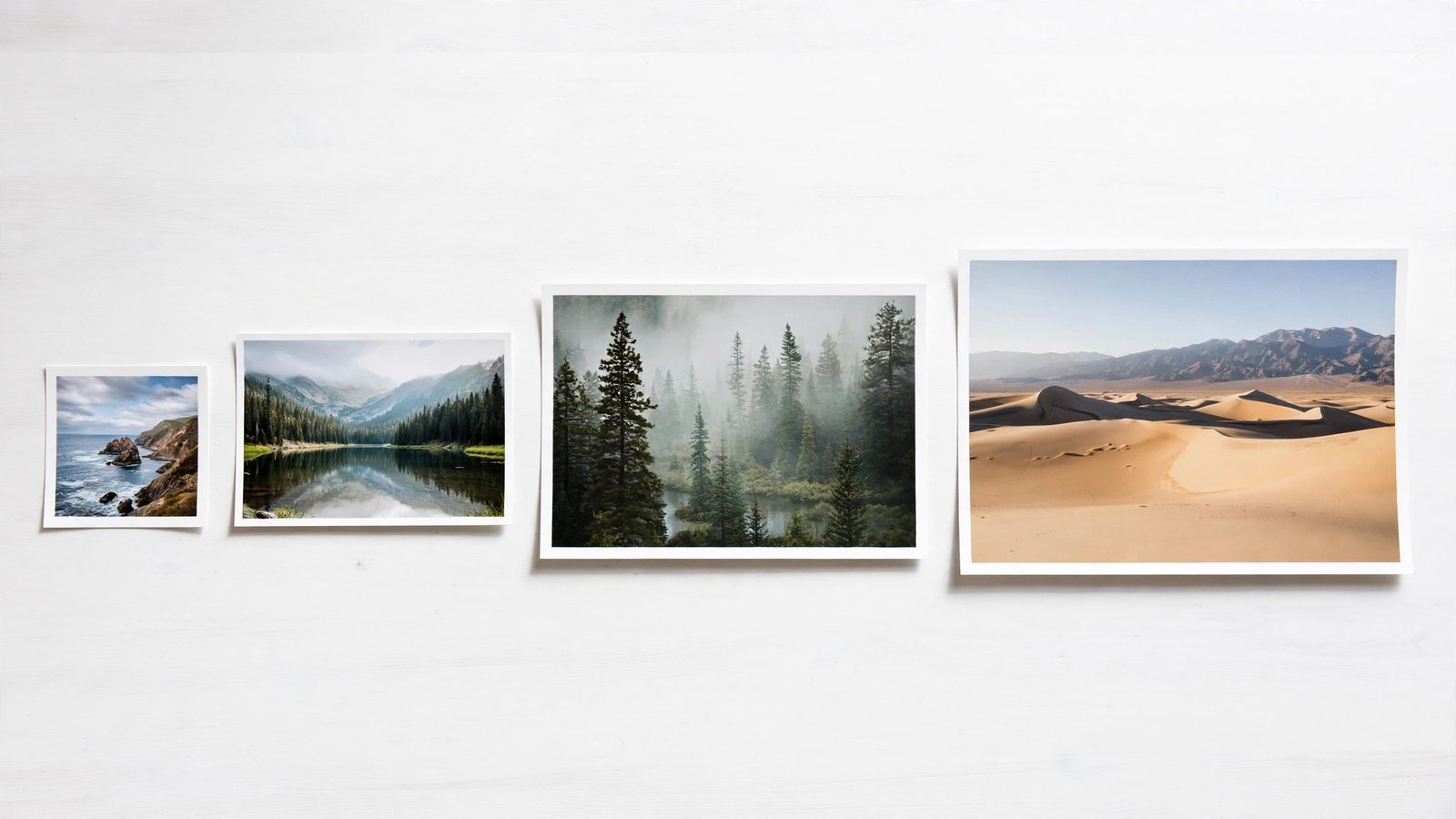
The formula, and why there is no single number
If you search for "150 DPI in pixels" hoping for one number, you will be disappointed, and that is not your fault. The question itself hides a missing piece of information: how big is the print? DPI stands for dots per inch, and it is a density, not a total. It says how tightly the pixels are packed, not how many there are. A small photo and a large poster can both be 150 DPI and have completely different pixel counts, because the poster spreads its pixels over far more inches.
The two formulas you need are short enough to remember. To work out the pixels you need for a print, multiply the size in inches by the DPI: pixels = inches × DPI. To work out the other way around, divide the pixels you have by the DPI: print size in inches = pixels ÷ DPI. Every number in this article comes from those two formulas. If you would rather not do the sums yourself, our free DPI calculator converts pixels to print size and back in seconds.
Here is a worked example. Say you want a print 6 inches wide at 150 DPI. Multiply 6 × 150 and you get 900 pixels across. If the print is 4 inches tall, multiply 4 × 150 and you get 600 pixels down. So a 4 × 6 inch print at 150 DPI needs an image of 600 × 900 pixels.
150 DPI pixel chart for common print sizes
The table below covers the sizes people ask about most. Each value is the print size in inches multiplied by 150, so you can trust the numbers and use them directly when a print shop or a submission form asks for a pixel size.
| Print size | Pixels needed at 150 DPI |
|---|---|
| 4 × 6 in photo | 600 × 900 px |
| 5 × 7 in photo | 750 × 1050 px |
| 6 × 8 in photo | 900 × 1200 px |
| 8 × 10 in print | 1200 × 1500 px |
| 11 × 17 in poster | 1650 × 2550 px |
| 13 × 19 in poster | 1950 × 2850 px |
| 24 × 36 in poster | 3600 × 5400 px |
| A4 page (8.27 × 11.69 in) | 1240 × 1754 px |
Notice how quickly the numbers grow. A 4 × 6 inch photo needs only 600 × 900 pixels, but a 24 × 36 inch poster at the same DPI needs 3600 × 5400 pixels. If your image has fewer pixels than the table asks for, it will still print at 150 DPI. The printer will just spread the pixels over a smaller area than you planned, or the image will look softer when enlarged.
The A4 row deserves a closer look because A4 is the page size most people print on. A4 measures 8.27 × 11.69 inches, so at 150 DPI it needs 1240 × 1754 pixels. Most modern phone photos are far bigger than that, which is why they print A4 pages without any trouble. For comparison, the same A4 page at 300 DPI needs 2481 × 3507 pixels, exactly double in each direction.
The same photo at 150, 300 and 72 DPI
Another way to understand 150 DPI is to take one photo and see what print size it gives at different DPI values. The pixels never change in this comparison. Only the label changes, and the label decides how big the printer makes the print.
| Image size | At 300 DPI | At 150 DPI | At 72 DPI |
|---|---|---|---|
| 3000 × 2000 px | 10 × 6.7 in | 20 × 13.3 in | 41.7 × 27.8 in |
| 1800 × 1200 px | 6 × 4 in | 12 × 8 in | 25 × 16.7 in |
| 600 × 900 px | 2 × 3 in | 4 × 6 in | 8.3 × 12.5 in |
Read the first row from left to right. A 3000 × 2000 pixel photo prints at 10 × 6.7 inches at 300 DPI, at 20 × 13.3 inches at 150 DPI, and at 41.7 × 27.8 inches at 72 DPI. It is the same photo every time, with the same pixels and the same detail. Nothing about the image itself has changed, only the size the printer aims for. That is the honest truth about DPI: it is a printing instruction, not a quality setting. If you want the full comparison between the two most common values, read our guide to 300 DPI vs 72 DPI.
When 150 DPI is the right choice
150 DPI sits in a useful middle ground. At 300 DPI a print looks sharp up close, and 300 DPI is the standard for photo prints, magazines and anything people hold in their hands. But 150 DPI is the level many large-format printers ask for, because a poster or banner is viewed from a distance and the eye cannot pick out individual dots from several feet away. Printing a billboard at 300 DPI would demand an enormous file for no visible benefit, so large-format work is routinely done at 150 DPI or lower.
If a print shop tells you 150 DPI is acceptable for your poster, believe them. If they ask for 300 DPI for a small photo print, believe them too. The right number depends on the size of the print and how close people will stand to it.
What changing an image to 150 DPI does — and does not do
One thing to keep straight: changing a photo to 150 DPI does not add sharpness or detail. DPI is only a label inside the file, and changing the label changes nothing about the pixels themselves. A blurry 600 × 900 photo stays blurry at 150 DPI, and a sharp one stays sharp. What matters for quality is how many pixels you start with.
If you need to set an image to 150 DPI for a print shop or a submission form, use our 150 DPI converter. It stamps the value in seconds, and the file keeps exactly the same pixels it had before. If you need a higher value instead, our 300 DPI converter does the same job at 300 DPI.
Frequently asked questions
How many pixels is 150 DPI?
There is no single number. Pixels = inches × DPI, so it depends on the print size. A 4 × 6 inch print at 150 DPI is 600 × 900 pixels, an 8 × 10 inch print is 1200 × 1500 pixels, and a full A4 page is 1240 × 1754 pixels.
Is 150 DPI good enough for printing?
Yes, for most everyday printing, and it is the usual standard for posters, banners and large-format prints viewed from a distance. For small photo prints and anything people hold close to their eyes, 300 DPI is the safer choice.
Does changing an image to 150 DPI make it sharper?
No. Changing DPI only changes a metadata label that tells the printer how big to make the print. It adds no sharpness, detail or quality. The pixels you start with are the pixels you end with.
What pixel size is A4 at 150 DPI?
An A4 page measures 8.27 × 11.69 inches. Multiply each side by 150 and you get 1240 × 1754 pixels. At 300 DPI the same page needs 2481 × 3507 pixels.
Before & after sample
Sample photo — try the tool above with your own image for the real result.

← Back to all blog posts · All Guides · Increase DPI of an image